
7 Essential Steps to Set Up Your Space for the Duolingo English Test (DET Study Guide) 💡📸

Preparing your environment for the Duolingo English Test is one of the easiest ways to avoid invalidations and improve your overall performance. At DET Study, we’ve seen how a proper setup leads to smoother testing and faster certification. Here’s a simple, practical guide to help you get ready.
1. Choose a Quiet, Private, Well-Lit Room 🛏️✨
A great test starts with a great environment. Choosing the right room helps proctors clearly see you and ensures your test runs smoothly.
A quiet, private room with good lighting helps create the stable testing environment that DET requires.
The Beginner’s Guide to the Duolingo English Test (DET)
Tips from DET Study:
- Close the door and avoid interruptions
- Use a simple background (plain wall is best)
- Avoid shadows or light behind you
2. Check All Devices and Your Secondary Camera 📱💻
Your equipment is the foundation of your test. A quick setup check ensures everything works correctly before you begin.
The DET relies on both your computer and your phone, so testing your devices ahead of time prevents delays or invalidations.
Make sure you have:
- A laptop/desktop
- Stable Wi-Fi
- Webcam + mic
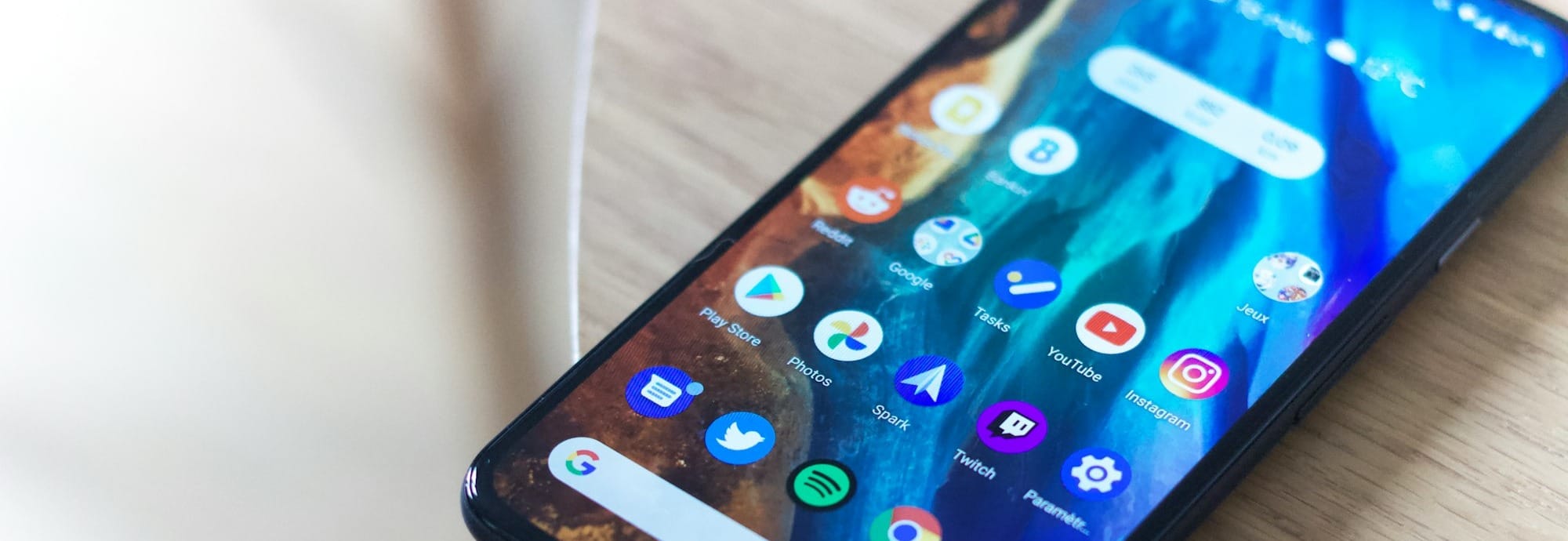
- Smartphone (secondary camera)
- DET desktop app
Room Scan & Ear Scan:
You’ll use your phone to show the full room and confirm no earbuds are being worn.
Secondary Camera Tips:
- Connect to Wi-Fi
- Keep the phone charged
- Place it on a stable surface
- Ensure it shows your screen, keyboard, and hands
Run the DET system check 1–2 days before testing.
3. Create a Clean, Simple Workspace 🧹🪑
A clutter-free desk reduces distractions and speeds up your room scan. Proctors should clearly see only the items required for the test.
A clean workspace also prevents accidental rule violations.
Your desk should include only:
- Your computer
- Your phone (secondary camera)
- Your ID
Remove books, papers, headphones, and any extra electronics.
4. Optimize Your Lighting & Camera Angles 💡🎥
Good lighting helps both cameras capture your face clearly throughout the test.
A well-lit setup reduces the chance of proctor reviews or certification delays.
Tips:
- Use natural light when possible
- Keep lamps in front of you
- Keep your laptop camera at eye level
- Ensure your phone camera has a clear view of your keyboard and hands
🧠 How the Duolingo English Test Is Scored: Inside the AI-Powered System
5. Prepare Mentally to Stay Focused 🧘♂️🧠
Your mindset is just as important as your setup. A calm, focused headspace helps you perform your best.
A simple routine can reduce test-day stress.
Before you begin:
- Take a few deep breaths
- Silence all notifications
- Remember: you can pause briefly during the test — just don’t look away or stand up
DET Study Tip:
Do a full practice test using your exact setup the day before. It boosts confidence and prepares your mind for the real thing.
6. Review the Rules to Ensure Certification ✅🔍
Knowing the rules ahead of time prevents one of the most common issues: test invalidation.
Reviewing the guidelines now ensures your score can be certified quickly.
Key rules:
- You must be alone
- No headphones or earbuds
- Keep your face, hands, and keyboard visible
- Don’t touch your phone or move your secondary camera
- Do not speak unless answering a speaking question
- Do not leave the frame or look away
Both AI and human proctors review your test closely.
7. Set Yourself Up for Success 🚀🌟
Once your space and devices are ready, the rest is confidence and preparation.
A strong environment helps you focus and perform at your best — exactly what the DET is designed for.
Take a deep breath, trust your preparation, and test with confidence!
Need More Help?
At DET Study, you’ll find:
✨ AI-graded speaking practice
✨ Writing evaluations with instant scoring
✨ Full mock tests
✨ Interactive speaking practice (2025–2026 format)
✨ VIP Access for complete preparation
Practice free anytime at detstudy.com.